

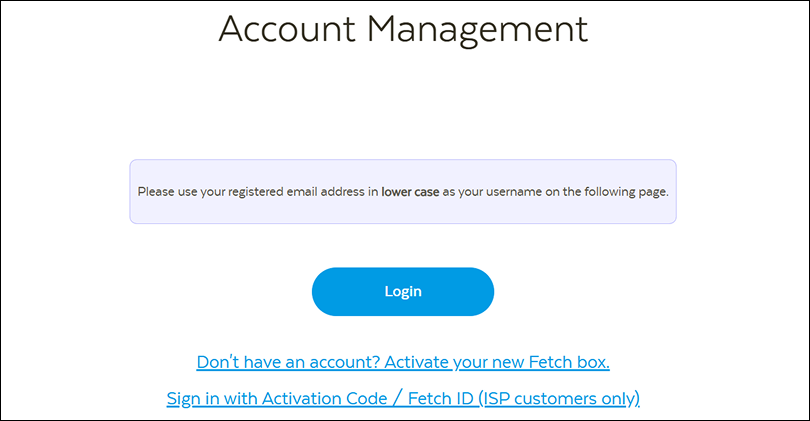
1. Visit your online Fetch account management here. Click Login.
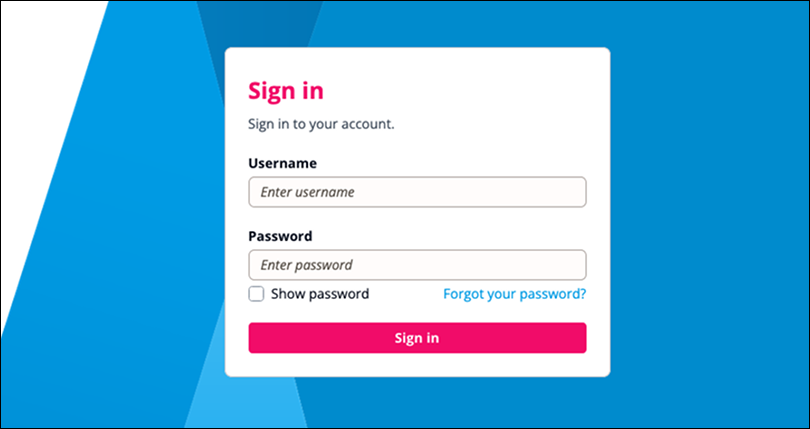
2. Log into your Fetch account using your username and password.
Remember to use your registered email address in lower case as your username.
If you can't remember your password, click Forgot your password? to reset your password.
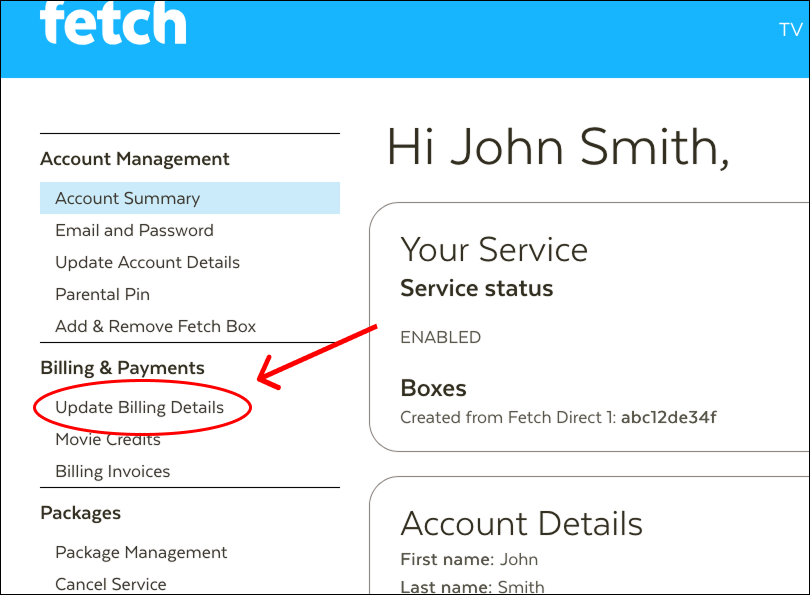
3. Once you're logged in, navigate to Billing & Payments in the left sidebar. Click on Update Billing Details.
4. You will arrive at the Billing Details page. If you already have existing card details in your Fetch account, you will need to click Change card.
If not, proceed to next step.
-png.png?width=1070&height=378&name=4-%20Click%20change%20card%20(if%20applicable)-png.png)
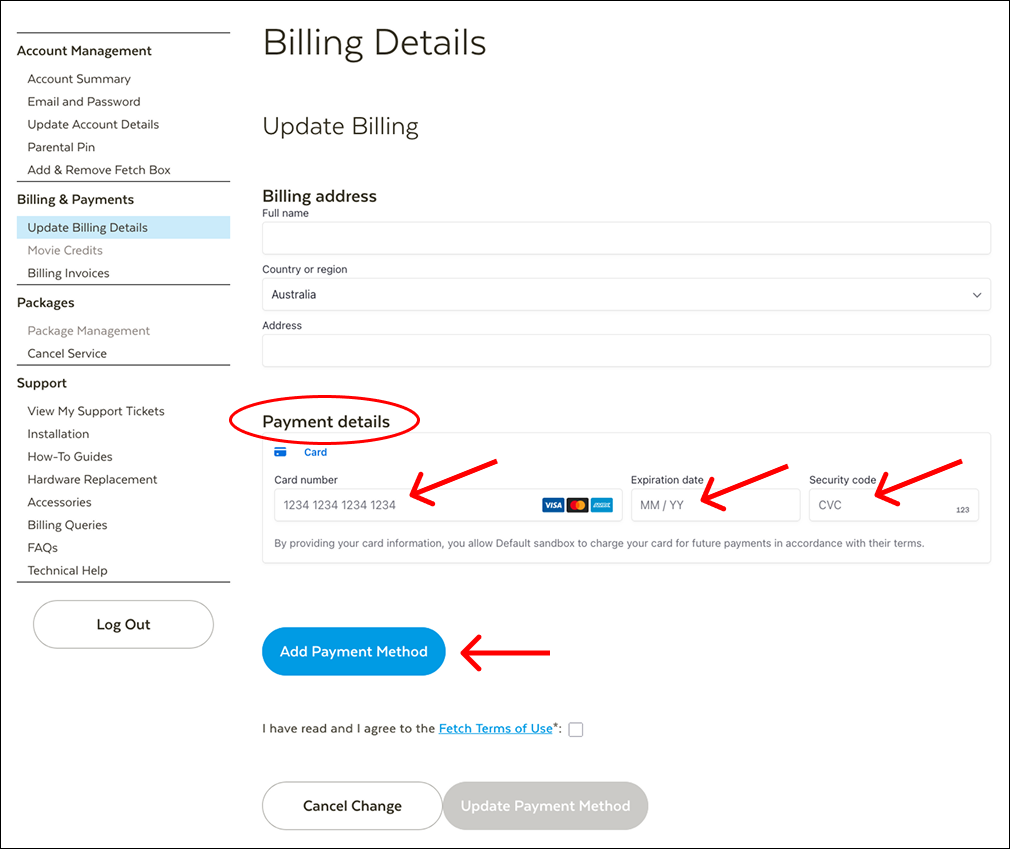
5. Under Update Billing, fill up your Billing address by entering your details.
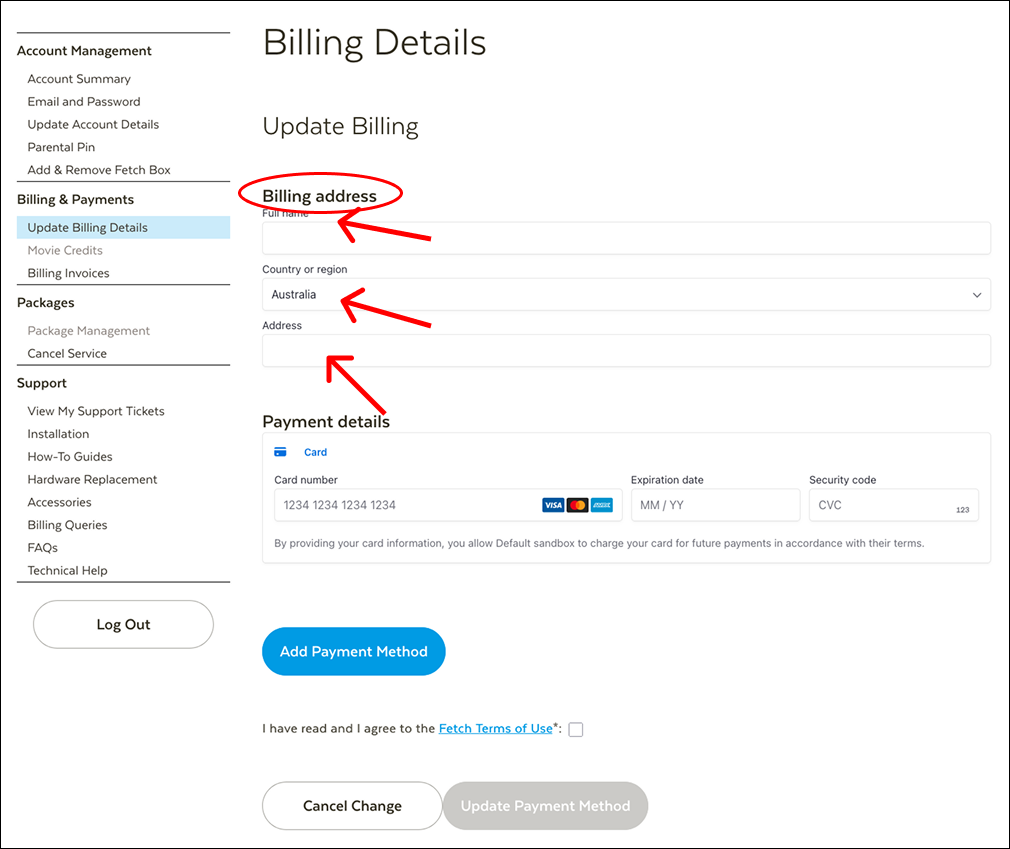
6. Proceed to the Payment details section and enter your card details. Then, click Add Payment Method to save.
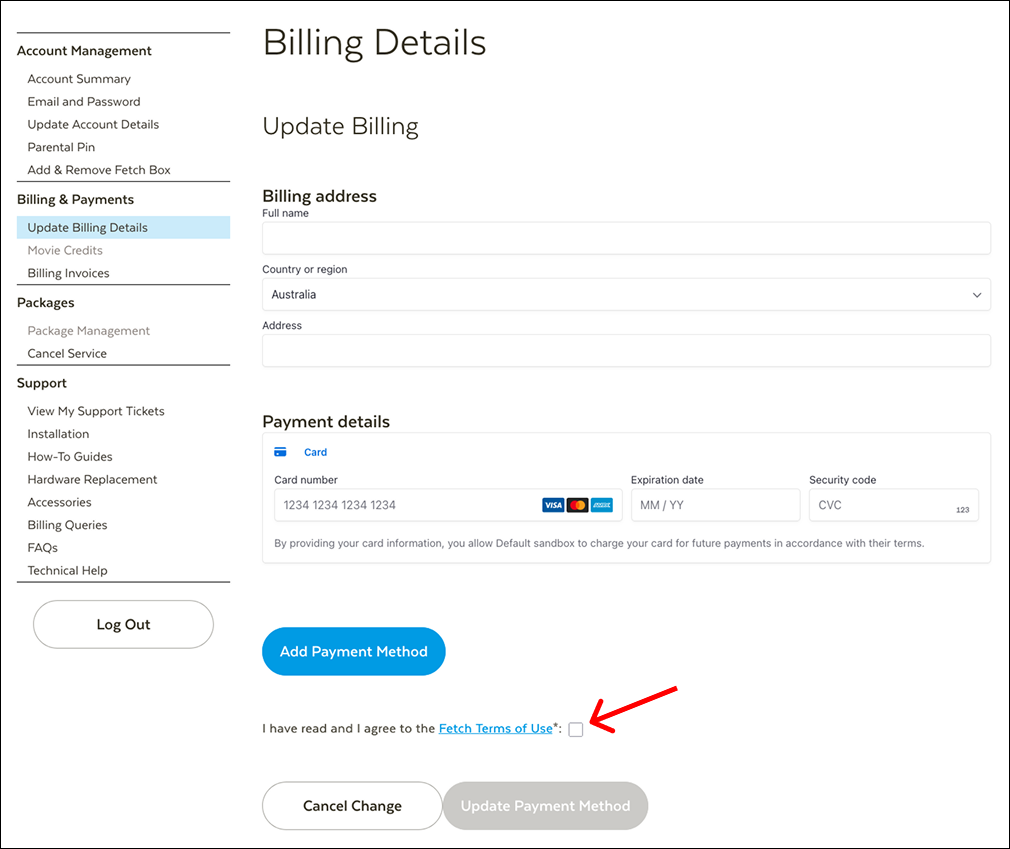
7. Read and agree to the Fetch Terms of Use by ticking the checkbox.
8. Click Update Payment Method to confirm.
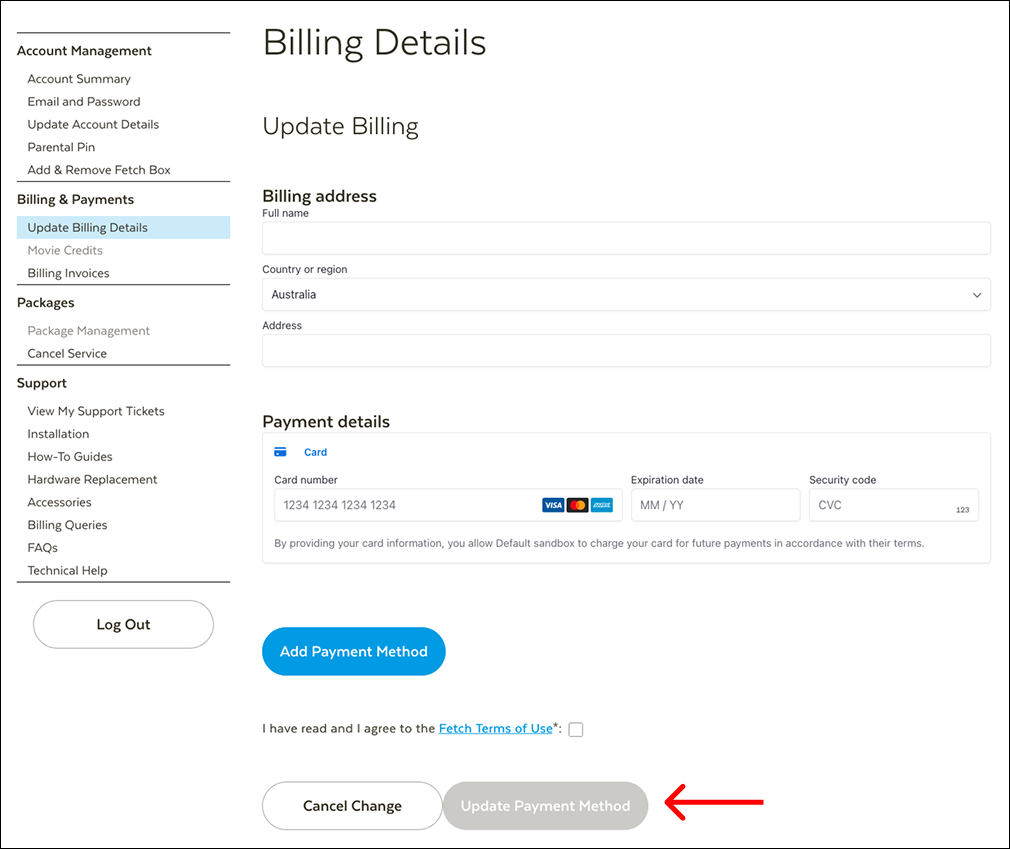
Your payment details have been updated. You're all set!